LiveLab · 2026 →
How I use AI
The AI tools from my missions and what I do with them, my plugin of skills and the agent that orchestrates them, and concrete workflows. AI produces, I decide.
- 12
- AI tools used on missions
- 15
- skills written for my work, bundled in a plugin
- 10
- expert prompts, in French and English
My tools, and what I do with them
Sorted by moment in the work. For each: what I use it for, and on which mission.
Understand
Search, listen, analyse.
Research
Perplexity
Desk research and monitoring: quick benchmarks, trends, sector context before an interview.
Mission Every mission
Analysis
Gemini + Gems
Custom Gems, like Prometheus or the research synthesis below, to cross verbatims with usage data.
Mission Decathlon: Medallia and Amplitude
External brain
NotebookLM
A project’s notes, transcripts and studies in one place, for sourced syntheses with quotes.
Mission Research and framing
Insights
Condens
Interviews and tests centralised, tagged and searchable, with AI help for analysis.
Mission Leroy Merlin
Design
Explore fast, prototype for real.
Prototype
Figma Make
Several directions explored in minutes, then testable interactive prototypes.
Mission Decathlon, Leroy Merlin
Coded prototype
GitHub Copilot
Prototypes coded right on the client’s design system, tested before the first line of production code.
Mission Leroy Merlin: Mozaic
Test data
Apps Script
Realistic datasets, so prototypes behave like the real product.
Mission Leroy Merlin
Production
Figma IA, Stark
First drafts, layer renaming, realistic content, and accessibility checks from the mockup stage.
Mission Every mission
Ship
From design to code, with nothing lost.
Code
Claude Code
Components, pages and tools coded then reviewed: this site, its design system and its checking scripts.
Mission This site
Connections
MCP Figma et navigateur
AI reads Figma variables, browses a site to audit it and works on real data, not screenshots.
Mission Audits, design system
Documentation
Storybook + Chromatic
Every component documented with its states and an accessibility check, visual review on every release.
Mission Design system
Orchestrate
My own AI tools.
Skills, agent
Claude + mon plugin
15 skills written for my work (audits, brief, brand, quotes…) and an agent that chains them. Details just below.
Mission All my deliverables
Skill, plugin, agent: how it fits together
A skill is a recipe. The plugin is the cookbook. The agent is the chef: it reads the order, picks the recipes and has me taste before serving.
The recipe
A written skill
A file of instructions and references on one subject: my brand, an audit, a quote. AI loads it when the task calls for it, and then works the way I do.
The cookbook
The box that bundles them
My 15 skills bundled and installed in one click, at the same version everywhere. When I improve a skill, every later deliverable benefits.
The chef
The conductor
It takes the request, always runs the same flow (goal, context, steps, checkpoints, deliverable) and picks the right skills. I validate the checkpoints.
A concrete example, from request to deliverable
The request
“Audit this e-commerce site’s checkout flow.”
The agent
Conductor
The plugin, 15 skills
- (Used in the example)
- (Used in the example)
- (Used in the example)
- (Used in the example)
Used in the example
The deliverable
A client report in my brand, findings ranked by severity, ready to present.
Agent · conductor
Agrees on goal and scope with me: one page, three key pages or the full funnel.
Skill · e-commerce audit
Browses the site, applies the Baymard and Nielsen grids, ranks each finding by severity.
Me · checkpoint
I review each finding, fix some, remove others. Nothing goes out without my sign-off.
Skills · natural writing + brand
Rewrites the text without AI tics, then puts the report in my colours, typography and tone.
Workflows on missions
Real sequences. AI produces, the designer decides.
01
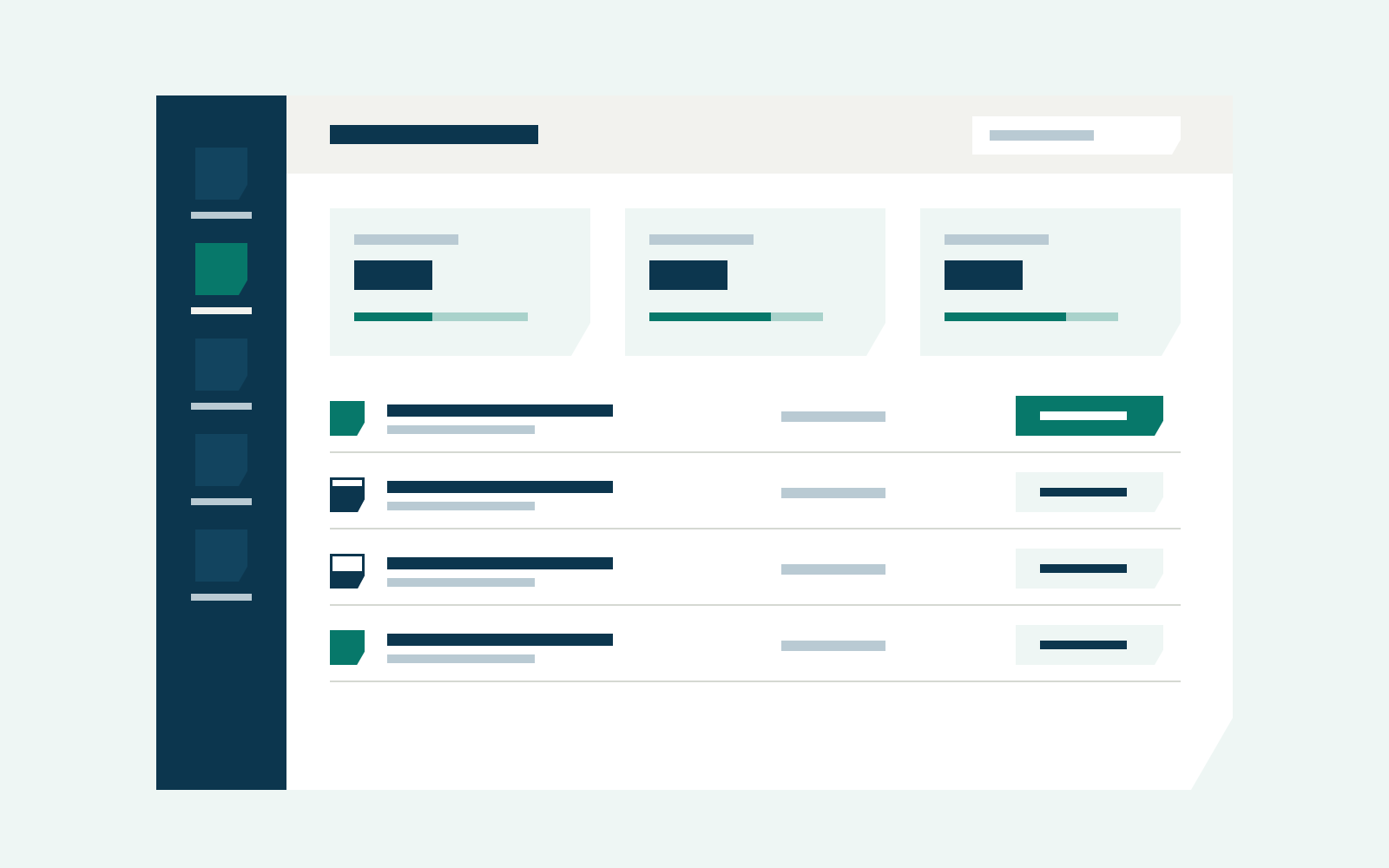
From brief to coded prototype, tested before development
A static mockup does not tell you whether a business tool holds up with real data.
- Brief and realistic test dataClaude · Apps Script
- First screen directionsFigma Make
- Prototype coded on the client's design systemGitHub Copilot
- Tests with usersCondens
Flows and design choices are decided as a trio. AI produces, the designer decides.
Example · Leroy Merlin
Copilot RO: dashboards and alerts prototyped on Mozaic with near-real data, tested by offer managers before development.
02
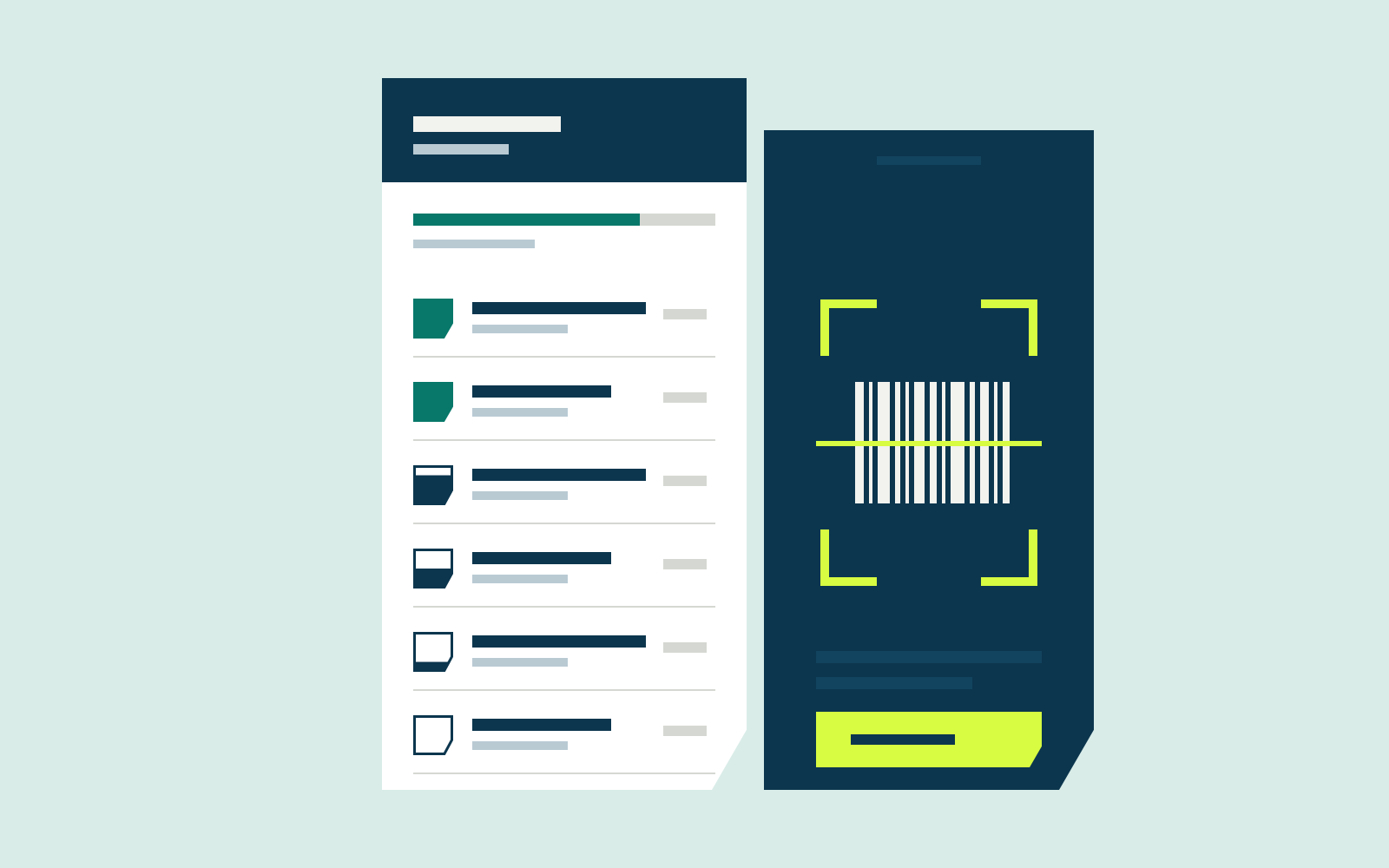
Research synthesis: from verbatims to opportunities
Dozens of interviews and thousands of customer comments, impossible to reread by hand every sprint.
- Transcribed interviews and customer feedbackCondens · Medallia
- Sourced synthesis, with quotesNotebookLM
- Patterns crossed with usage dataGemini · Amplitude
- Opportunities placed in the treeOpportunity Solution Tree
Every insight points to its source. Prioritisation happens with the PM and lead tech.
Example · Decathlon
Store-app verbatims and usage combined to spot what blocks staff on the shop floor, then turned into opportunities for the next sprint.
03
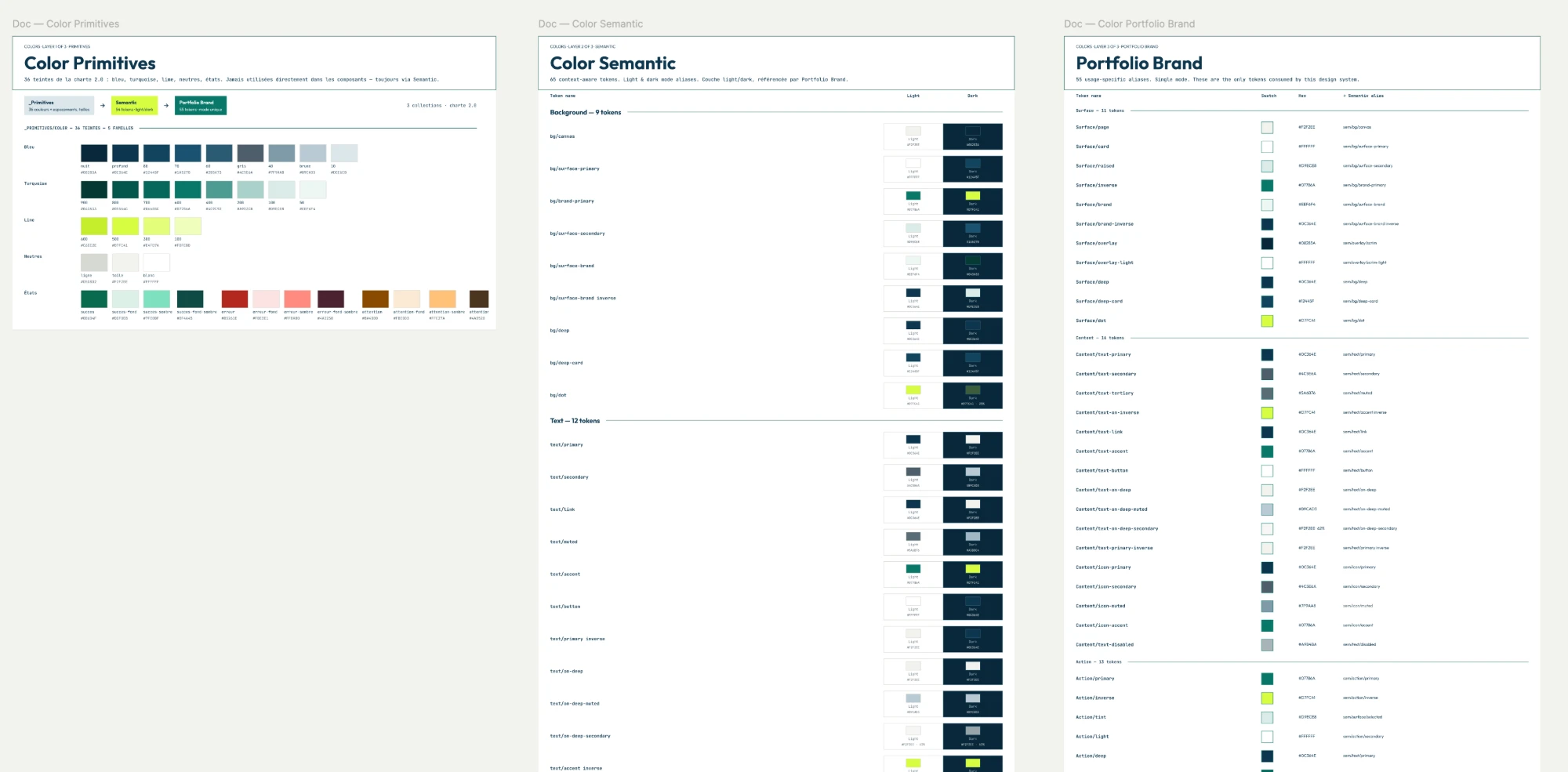
From design system to code, with nothing lost
Between Figma and code, tokens and components drift apart.
- Tokens and components read from FigmaMCP Figma
- Components coded and typedClaude Code
- Documentation and statesStorybook
- Accessibility checkedWCAG 2.2 AA
The design system stays the source of truth: code is reviewed component by component.
Example · this site
This portfolio: brand guidelines, tokens, Storybook components and pages, built with this workflow.